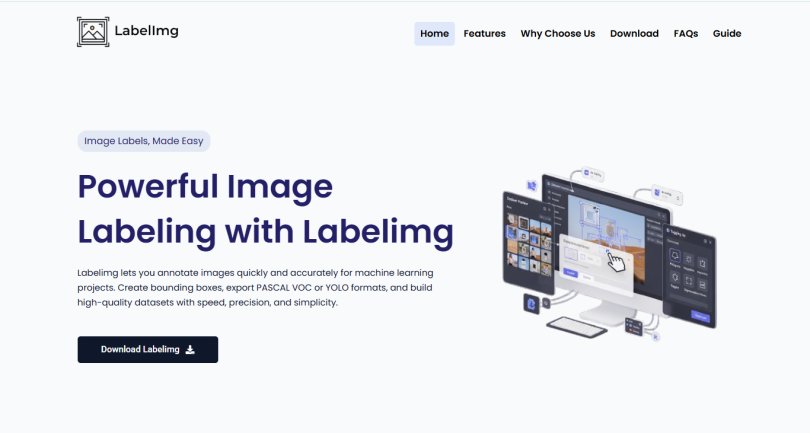

LabelImg is a popular image annotation tool used in object detection and computer vision projects. Developers use it to create labeled datasets that help machine learning models learn how to identify objects inside images.
The software is widely used because it provides a simple way to draw bounding boxes and generate annotation files compatible with AI frameworks.
Install LabelImg
The first step in using LabelImg is installing the software on your system. Since LabelImg is built with Python, users usually install it using Python and pip or download prebuilt versions for their operating system.
It works on Windows, macOS, and Linux, making it accessible for most developers and researchers.
Prepare Your Image Dataset
Before starting annotation, users should collect and organize the images needed for the object detection project.
These images may contain:
- Cars
- Animals
- People
- Products
- Traffic signs
The quality and diversity of images are important because better datasets usually improve AI model performance.
Open Images in LabelImg
After launching LabelImg, users open the folder containing their dataset images.
The software allows navigation through images one by one, making it easy to annotate large datasets systematically.
Create Bounding Boxes
The main annotation process involves drawing bounding boxes around objects inside images.
Users select the bounding box tool, drag the rectangle around an object, and then assign a class label such as:
- Person
- Car
- Dog
- Bottle
This process tells the AI model what object exists in that specific image region.
Assign Labels Correctly
Proper labeling is extremely important in object detection projects.
If labels are inconsistent or incorrect, the machine learning model may learn inaccurate patterns. Developers should use clear and standardized class names throughout the dataset.
Save Annotation Files
After labeling objects, LabelImg saves annotation data into files.
The software supports popular formats such as:
- Pascal VOC (XML)
- YOLO format (TXT)
These files store object coordinates and class information used later during AI training.
Use YOLO or Pascal VOC Format
The choice of annotation format depends on the machine learning framework being used.
YOLO projects usually require TXT annotation files, while some TensorFlow workflows prefer Pascal VOC XML files. LabelImg allows users to switch between formats easily.
Repeat the Annotation Process
Object detection datasets usually require many annotated images.
Developers repeat the annotation process for every image in the dataset until all objects are labeled properly. Large projects may involve thousands of images.
Train the Object Detection Model
Once annotation is complete, the labeled dataset is used for training machine learning models such as:
- YOLO
- Faster R-CNN
- SSD
- TensorFlow Object Detection API
The annotation files generated by LabelImg provide the information needed for the AI model to learn object locations and categories.
Importance of Accurate Annotation
The accuracy of object detection models depends heavily on annotation quality.
Poorly drawn boxes or incorrect labels can reduce model performance significantly. Careful annotation improves detection accuracy and overall AI reliability.
Conclusion
LabelImg is a simple and effective tool for object detection projects. It allows users to draw bounding boxes, assign labels, and export annotation files compatible with major AI frameworks.
Its lightweight design, support for YOLO and Pascal VOC formats, and easy workflow make it one of the most commonly used tools for preparing object detection datasets.